If you've ever wanted to know how to mount tv on drywall without turning your living room into a patch-and-paint project, you're not alone. We get calls every week from homeowners in Indianapolis, Carmel, and Fishers who tried the DIY route and ended up with a wobbly TV or a hole the size of a fist. Last fall, a guy in Greenwood called HandyPros after his 55-inch TV fell off the wall. He'd used plastic anchors made for picture frames. The drywall didn't stand a chance. The TV survived, but the wall needed serious help. That's why we're writing this—so you can do it right the first time.
Check Your Wall Before You Even Pick a Mount
First, figure out what kind of wall you have. Is it drywall, or is it plaster-and-lath? If you live in an older Indianapolis neighborhood like Meridian-Kessler or Broad Ripple, there's a good chance your walls are plaster over wood lath. Plaster is brittle. A regular drywall anchor won't hold in plaster the same way. You need different fasteners—usually a masonry-style toggle or a screw that bites into the lath behind the plaster. We'll talk about that more later.
In newer homes around Westfield, Noblesville, and Plainfield, you're probably dealing with 1/2-inch drywall over wood studs. That's the easiest scenario. But don't assume. Downtown condos and some apartments in Carmel might have metal studs. Metal studs are hollow and thinner than wood. If you drill into one and use a wood screw, it will spin and never tighten. You need snap toggles or a plate that spans multiple studs. The point: know what's behind the drywall before you start drilling.
When you're learning how to mount tv on drywall, your first job is to figure out what's really behind the paint.
Find Studs Without Guessing (or Hitting a Wire)
Use a stud finder with AC detection. The AC alert tells you when there's a live electrical wire behind the drywall. Don't skip that feature. Move the stud finder slowly across the wall. When it beeps, mark both edges of the stud. The center is between those marks. In most Indianapolis homes, studs are spaced 16 inches apart. Some older or custom builds use 24 inches. Measure from a corner to confirm.
A guy in Lawrence called us after he drilled straight into a wire. He'd knocked on the wall and guessed where a stud was. The stud finder he borrowed didn't have AC alert. He ended up with a blackened outlet and a tripped breaker. Don't be that guy. If your stud finder gives inconsistent readings, drill a tiny pilot hole with a 1/16-inch bit. If you feel wood and see wood shavings, you found a stud. If you hit resistance then nothing, you might be in drywall only. Stop and re-check.
If any of this makes you second-guess yourself, check out our guide on when to call a handyman vs doing it yourself.
Choosing the Right Mount and Anchors
Your TV mount has two main parts: the wall plate and the brackets that attach to the back of the TV. Look for the VESA pattern on your TV—that's the square of mounting holes on the back. Most TVs use a standard pattern like 200x200 or 400x400. Your mount should say it supports that VESA size. Also check the weight rating. If your TV weighs 40 pounds and the mount is rated for 50, that's too close. Add the mount's own weight. Go for at least double the total weight.
Fixed mounts sit flat against the wall. Tilting mounts angle up or down. Full-motion mounts swing out and swivel. Full-motion mounts are great for corners, but they put a lot more leverage on the wall. If you're anchoring into drywall only—no studs—never use a full-motion arm. The torque will rip the anchor right out. For drywall-only installs, stick with a fixed or tilting mount.
For wood studs, use lag screws that are at least 2.5 inches long and rated for your TV's weight. Pre-drill a pilot hole slightly smaller than the screw. For drywall without studs, use heavy-duty toggle bolts—often called drywall tv mount anchors or toggle bolts for tv mount. Snap toggles work well. They spread the load behind the drywall. A pair of good toggles can hold 100 pounds or more in 1/2-inch drywall, but only for a low-leverage mount.
We mounted a 50-inch TV in a downtown Indianapolis apartment last year. The wall had metal studs. We used snap toggles rated for 200 pounds each and a small plate that spanned two studs. It's been solid for a year. The tenant watches football every Sunday. No movement.
If you're curious what all this costs, we break it down on our TV mounting cost page.
Getting the Height Right and Hanging the TV
Seated eye level is the sweet spot. For most couches, that's about 42 to 48 inches from the floor to the center of the screen. If you're using a tilting mount above a fireplace, you'll go higher, but tilt the screen down. Don't mount above a fireplace unless you're okay with neck strain. And if the fireplace produces real heat, check the temperature at the wall during operation. Heat can damage the TV and weaken the wall behind it.
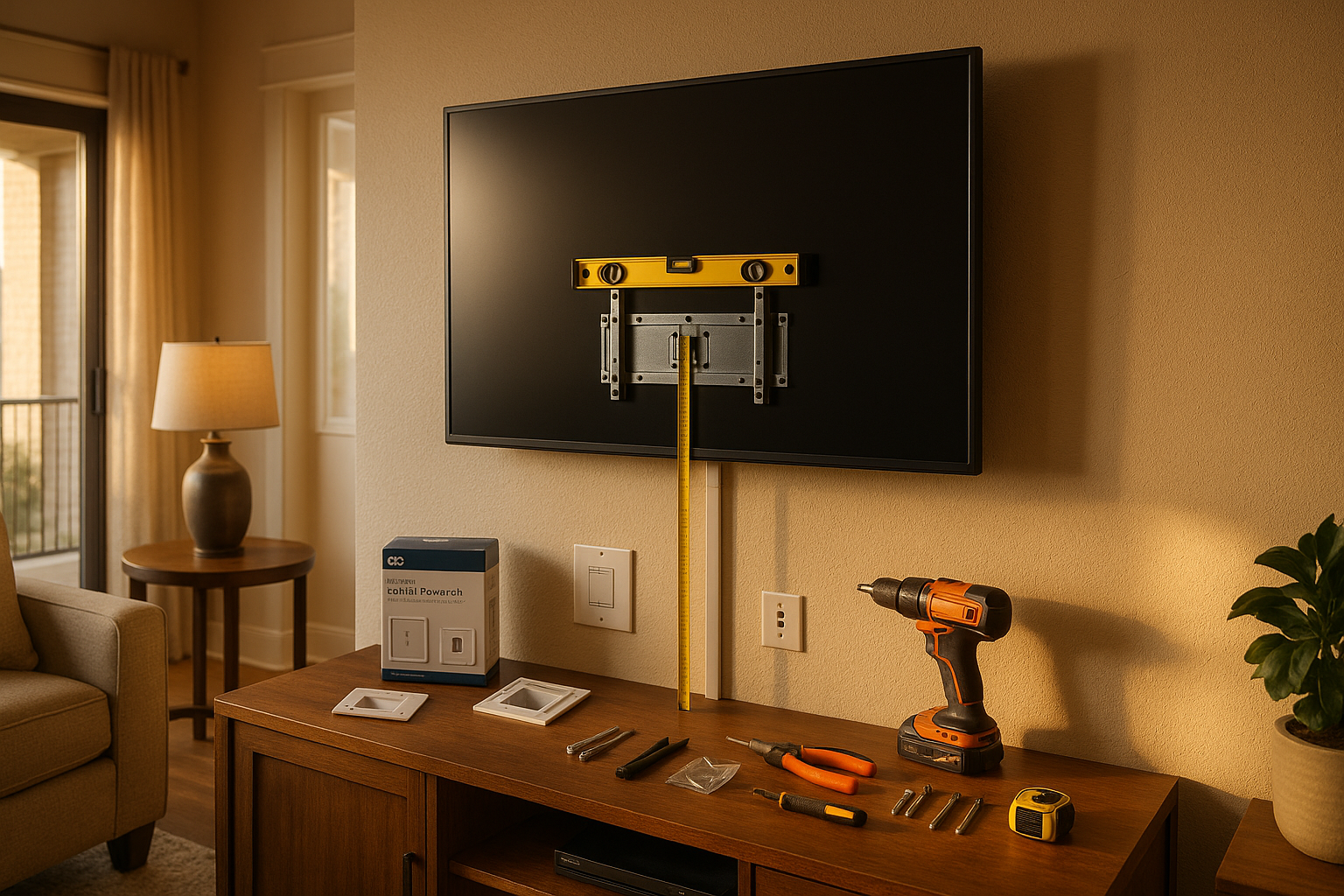
Attach the brackets to the back of the TV using the screws that came with the mount. Most TVs use M4, M6, or M8 screws. Don't over-tighten—you can strip the threads. Lift the TV with a helper. Hook the TV brackets onto the wall plate. Lock any safety screws or tabs. Step back and check the level. If it's off, loosen the wall plate, adjust, and re-tighten.
Before you drill, plan where the cables will go. Running a TV's detachable power cord inside the wall is against code. Use a UL-listed in-wall power bridge kit, or run low-voltage cables only. For a cleaner look, install a low voltage cable pass through plate. It's a small hole top and bottom. Fishing cables through exterior walls can be tricky because of horizontal fire blocking, especially in older homes around Irvington or Zionsville. If you hit a block, use surface raceways. They look okay if you paint them to match the wall.
What to Do When Things Go Wrong
You drill a hole in the wrong spot. It happens. Patch drywall holes after tv mount by filling them with lightweight spackle, letting it dry, sanding smooth, and touching up with paint. If you hit a stud and need to move over, you can also use a drywall patch kit. Don't leave the hole—moisture and bugs get in, and in Indiana's humid summers, a small hole can turn into a soft spot. We see this in basements all the time. For more on drywall issues, read our article about drywall cracks in Indiana homes.
Seasonal humidity swings in Indianapolis can also cause anchors to loosen over time. Wood studs shrink and expand. Drywall softens in humid air. After a few weeks, re-check the mount's screws and toggles. Give them a gentle snug. Don't over-tighten, or you'll strip the drywall.
When to Call a Pro (and What It Costs)
If you're mounting a TV over a fireplace with brick or stone, or your walls are plaster-and-lath, or you have a 75-inch monster, just call someone. Same goes if you're renting—many leases have rules about wall mounts. A pro can usually work around those with minimal holes and patch kits. HandyPros does TV mounting in Indianapolis and all the surrounding towns—Carmel, Fishers, Zionsville, Westfield, Noblesville, Greenwood, Brownsburg, Avon, Plainfield, Lawrence. We'll come out, check your wall, bring the right anchors, and mount the TV level. You don't have to buy a bunch of tools you'll use once.
The cost to mount TV Indianapolis varies, but we give you a clear price before we start. No surprises. You can get a no-obligation quote right now. Just tell us the TV size, wall type, and what city you're in. We'll handle the rest. That's the smart way to do it. Get your free quote here.
Ready for a free estimate?
Send us the list, and we'll quote a flat price before we schedule — no pressure, no obligation.